How to change your password
Click here to change your password
Step 1
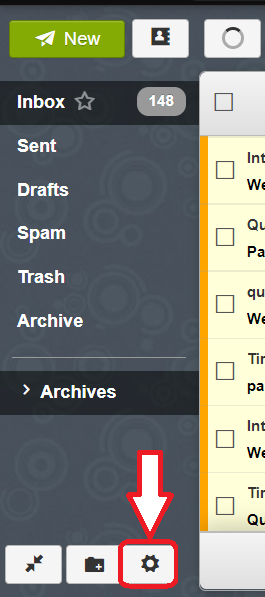
After logging in, click on the settings menu button in the bottom left corner of your screen.
Step 2
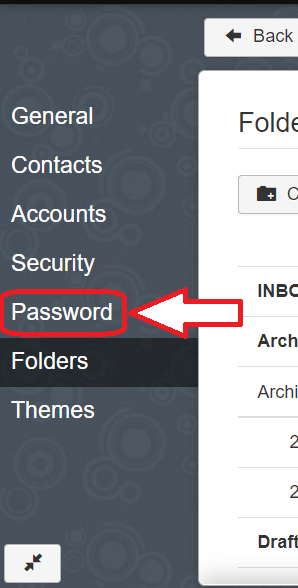
Click on "Domains" in the left pane menu
Step 3
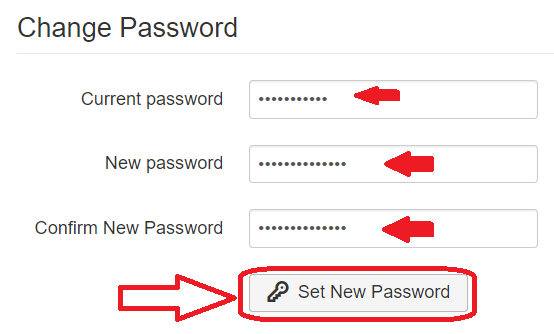
Complete and submit the Change Password form
Return to the webmail portal